Design Takeaways: motion graphics
May 28, 2024This is the fifth article in our series of tips for designers and aspiring designers, Design Takeaways, which brings you practical insights into how to improve your design skills and resources you can put to use.Access the other posts here.
Motion graphics can be a useful tool for visual storytelling, adding movement and dynamism. Motion graphics are simply graphic designs in motion. They can include animation, video, and digital effects.
From simple GIFs to complex animations, motion graphics can add a layer of interactivity and depth to static designs. They can help catch viewers’ attention as they scroll on a screen, convey emotions, guide the viewer’s focus, clarify complex ideas and increase memorability.
AsColumn Fivepoints out, they can be especially useful for:
- Tutorials: Motion graphics are helpful when you need to show someone how to do something. This is why motion graphics are often used for explainer videos.
- Processes: Similar to tutorials, if you want to show how something works, motion graphics are a great way to break it down.
- Data visualisation: Data that seems dense and impenetrable can be easily brought to life through visualisation in a motion graphic.
- Abstract concepts: Motion graphics are a great tool to clarify, give context, or explain information.
Link to this headingThe Nando’s approach
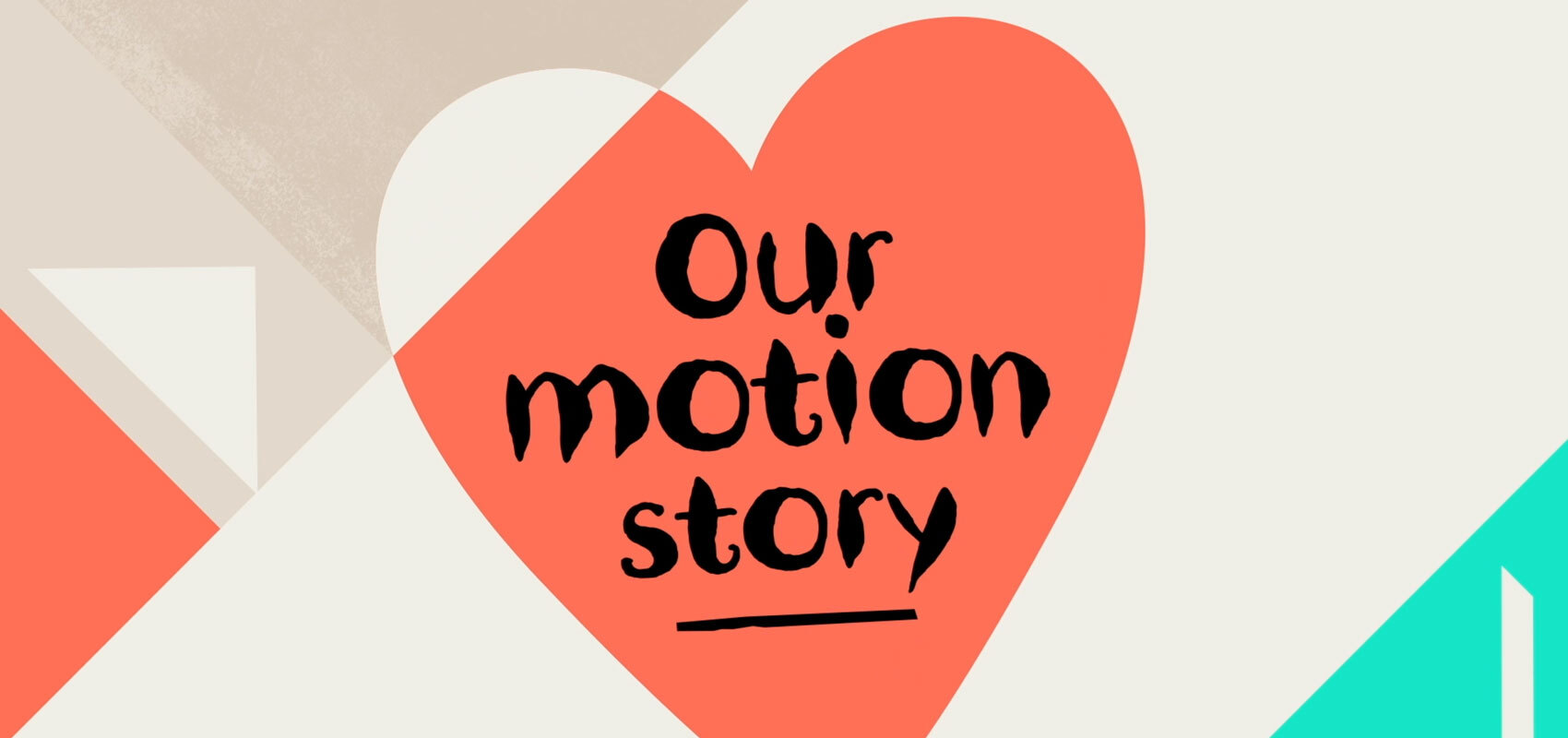
At Nando’s, we’ve developed a motion language that embodies and celebrates the spirit of Nando’s in a whole new way. Inspired by our creative collisions, it has two sides… Playful, energetic and lively while also being grounded, soulful and at ease.
To create this system, we listened to our hearts. While a heart can beat excitedly, it can also beat calmly – and this balance represents exactly how our assets move.
Just as heart governs our actions and tone of voice, it also governs our motions and our emotions. It’s this beat that sets both our pace and guides our rhythm – also linking us back to our Southern African roots.
Link to this headingUsing motion graphics effectively
As with all design elements, with motion graphics it’s possible to have too much of a good thing. Bear these principles in mind when using motion graphics in your work:
- Keep it simple: Complexity can overwhelm. Focus on conveying your message clearly and concisely.
- Be consistent: Use consistent design elements, color schemes, and typography to create coherence throughout your motion graphics.
- Timing is key: Pay attention to timing and pacing. Smooth transitions and well-timed movements enhance the viewer’s experience.
- Storytelling: Every motion graphic should tell a story. Whether it’s a brand story, a tutorial, or a call to action, ensure your animation communicates the message effectively.
- Less is more: Avoid cluttering the screen with too much movement or information. Embrace white space and simplicity to allow your message to shine.
Before you jump in, ensure you have a grip of basic design elements, including layout, typography, and colour theory. Start with simple motion graphics projects (like creating a GIF) and gradually increase complexity as you gain confidence and skill. Keep practicing and experimenting with different techniques, tools, and styles to find your voice.
One of the best ways to improve your design (and not just in motion graphics) is to share your work and request feedback from peers and mentors. Constructive criticism is essential for growth. Explore the work of other motion designers, study industry trends, and stay curious. Inspiration can come from anywhere.
Link to this headingResources
Here are a few resources that may help you in your journey with improving how you use shape and form as a designer:
- Motion Array’s list of free motion design resources
- Greyscale Gorilla for 3D models and renders (free trial available)
- Creative COW for forums and tutorials
- Motiongrapherfor motion graphics community, jobs and awards
We’d love to hear your motion graphics tips too! Share with us on Instagram, @NandosCreativityOfficial.